Buy Refurbished
How to Buy a Certified Refurbished MacBook in Chicago Without Getting Burned
Thinking about buying a certified refurbished MacBook? This Chicago-focused guide covers what 'certified' really means, where to buy safely, what to inspect, and how to avoid common traps.
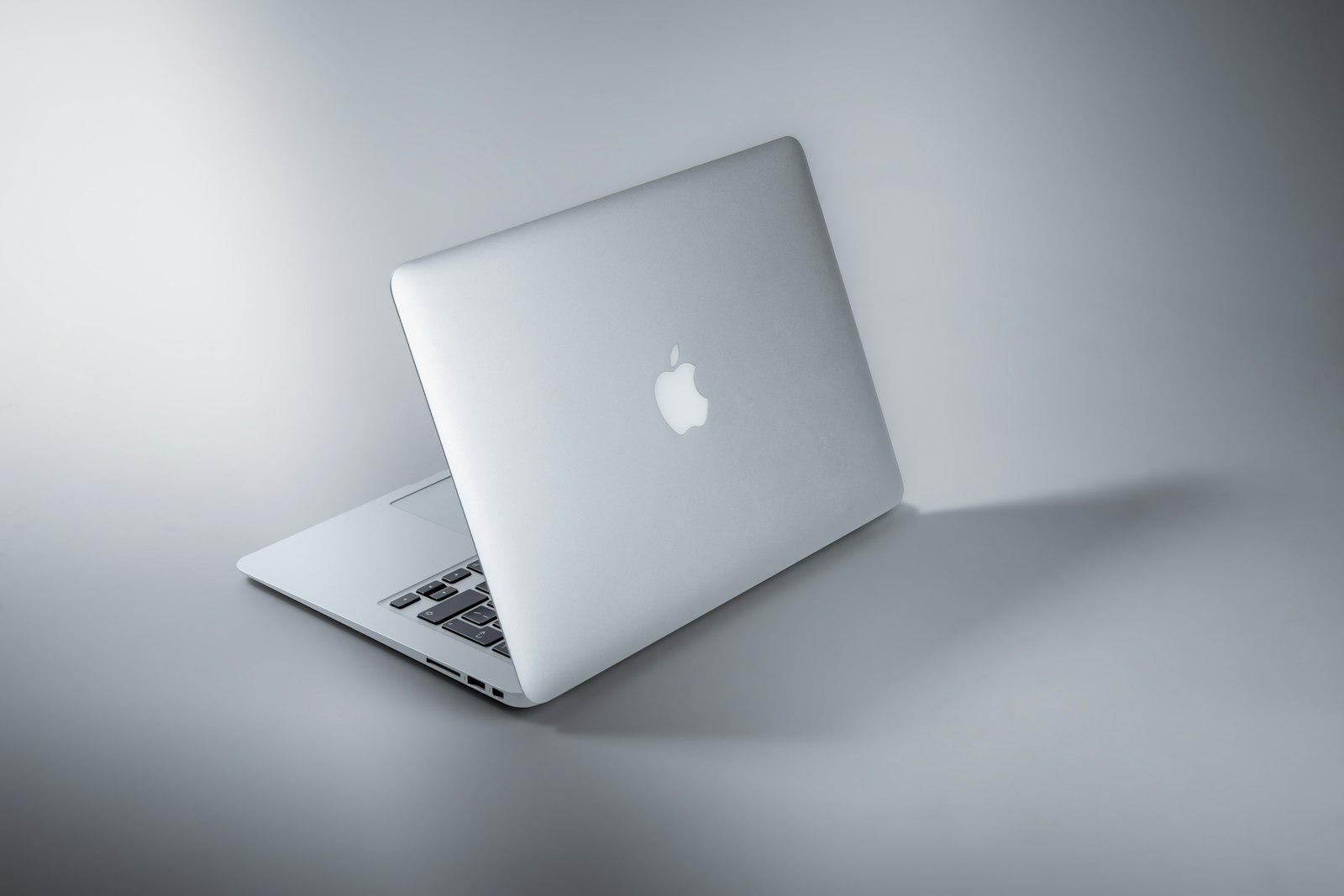
How to Buy a Certified Refurbished MacBook Without Getting Burned
A certified refurbished MacBook can save you $200 to $600 compared to buying new, and when sourced correctly, you get a machine that performs nearly identically to a retail unit. The problem is that the word "certified" gets slapped on everything from factory-tested returns to water-damaged laptops with a fresh coat of paint. This guide breaks down what that label actually means, where Chicago-area buyers can find legitimate deals, and exactly what to check before you hand over your money.
What Does "Certified Refurbished" Actually Mean for a MacBook?
Certified refurbished means the laptop has been inspected, repaired to a defined standard, tested, and repackaged by either the original manufacturer or an authorized third party. For MacBooks specifically, the strongest certification comes directly from Apple.
Apple Certified Refurbished units go through a full diagnostic, replacement of any defective parts with genuine Apple components, a thorough cleaning, new outer packaging, and they ship with a standard one-year warranty plus eligibility for AppleCare+. That is about as close to new as a used MacBook gets.
Third-party sellers use "certified" more loosely. Some are legitimate, running proper diagnostics and replacing batteries and keyboards. Others slap a sticker on a wiped hard drive and call it a day. Knowing the difference before you buy protects both your money and your data.
Refurbished Grades Explained
Most non-Apple sellers use a grading system. Here is what you will typically see:
- Grade A (or "Excellent"): Minimal cosmetic wear, fully functional, battery health usually above 80%. This is the tier worth targeting.
- Grade B (or "Good"): Noticeable scratches or dents, still functional. Acceptable if the price reflects the condition.
- Grade C (or "Fair"): Significant cosmetic damage. Avoid unless you need a parts machine.
Always ask the seller exactly which grade they are offering and whether the grade is cosmetic-only or also reflects internal condition.
Certified Refurbished MacBook Pricing: What to Expect in 2024
Prices shift with model cycles, but the table below reflects realistic ranges for popular configurations you will find at reputable sellers in Chicago and online.
| Model | New Retail Price | Apple Certified Refurb | Reputable Third-Party (Grade A) | |---|---|---|---| | MacBook Air M1 (8GB/256GB) | $999 | $799–$849 | $599–$749 | | MacBook Air M2 (8GB/256GB) | $1,099 | $929–$979 | $749–$899 | | MacBook Pro 14" M3 (8GB/512GB) | $1,599 | $1,349–$1,449 | $1,099–$1,299 | | MacBook Pro 16" M2 Pro (12GB/512GB) | $2,499 | $1,999–$2,199 | $1,499–$1,849 |
If a deal is priced 50% or more below the new retail price for a recent model, treat it as a red flag and investigate the seller's reputation carefully.
Where to Buy a Refurbished MacBook You Can Actually Trust
Apple's Own Refurbished Store
Apple's refurbished store at apple.com/shop/refurbished is the gold standard. Inventory rotates constantly and stock varies by region, but Chicagoans can order online with free shipping or pick up at any Apple Store, including the Michigan Avenue and Northbrook Court locations. The warranty is identical to new, and you can add AppleCare+. The trade-off is that Apple rarely discounts below 15%, so the savings are modest compared to third-party options.
Reputable Third-Party Online Retailers
Several national retailers have strong track records with refurbished MacBooks:
- Back Market: One of the largest refurbished electronics marketplaces, with seller ratings, standardized grades, and a one-year warranty. Many Chicago buyers use it regularly.
- Swappa: Peer-to-peer but moderated. Listings require proof of functionality, and the site blocks blacklisted serial numbers.
- Best Buy Refurbished/Open Box: Physical stores like the Lincoln Park and River North Best Buy locations carry open-box MacBooks with Geek Squad-verified condition ratings. You can inspect the unit in person before buying.
- Newegg Renewed: Solid for MacBooks when sold directly by Newegg rather than third-party marketplace sellers listed there.
Chicago-Area Local Options
Buying locally lets you inspect hardware in person, ask questions, and walk away if something feels off. Several independent electronics shops on the North Side and in the Loop carry refurbished MacBooks. When shopping locally, ask specifically whether the battery has been replaced, what diagnostic tool they used (coconutBattery and Apple Diagnostics are both reasonable answers), and whether the serial number is clean.
For guidance on what other devices you might consider trading in or selling to fund your purchase, see our guide to selling your old laptop for cash.

7 Things to Inspect Before You Finalize Any Refurbished MacBook Purchase
Whether you are buying in a Chicago shop or reviewing photos in an online listing, run through this checklist:
- Check the serial number. Go to checkcoverage.apple.com and enter the serial number. You will see the original purchase date, warranty status, and whether the device is still eligible for support. A result of "unable to check" is a serious warning sign.
- Run Apple Diagnostics. Hold the D key on startup (or Option + D for internet diagnostics). Any hardware faults will appear as error codes. A reputable seller should not object to you doing this in their store.
- Inspect battery cycle count. Open System Information > Power on the MacBook. Apple considers most MacBook batteries to have an 80% capacity threshold around 1,000 cycles. A refurbished unit sold at a premium should ideally have fewer than 300 cycles or a recently replaced battery.
- Look at the display carefully. Use a solid white background (search "white screen test" in a browser) and a solid black background to spot dead pixels, backlight bleed, and yellowing.
- Test every port. Plug something into every USB-C/Thunderbolt port. Try the headphone jack. Loose ports or no detection can signal liquid damage.
- Check for liquid damage indicators. On older MacBook models, liquid contact indicators sit inside the battery compartment. On newer sealed models, look for corrosion around port openings.
- Verify activation lock is off. Go to System Settings > Apple ID and confirm no Apple ID is linked, or ask the seller to demonstrate it is fully wiped and activation-lock free before you pay.
For more detailed device inspection steps, our electronics buying checklist covers phones, tablets, and gaming consoles with the same level of detail.
Warranties and Return Policies: The Fine Print That Matters
A legitimate certified refurbished MacBook comes with a written warranty, not just a verbal assurance. Here is what to look for:
- Minimum 90 days is the floor. Anything less than 90 days suggests the seller is not confident in what they tested.
- One year is the target. Apple, Back Market, and several other reputable sellers offer 12-month coverage.
- Understand what the warranty covers. Some cover only manufacturer defects; others exclude battery degradation below a certain percentage. Read it.
- Return window matters. A 30-day return window gives you time to discover intermittent issues that may not show up in a quick in-store inspection.
If a seller offers no warranty at all, walk away regardless of the price.
Common Scams and Red Flags to Avoid
Chicago Craigslist and Facebook Marketplace listings for MacBooks generate buyer complaints every month. Watch for these patterns:
- "iCloud locked" machines listed as "just needs your Apple ID." This is almost always a stolen device. There is no legitimate buyer workaround for activation lock.
- Prices that seem too good. An M2 MacBook Air for $350 is not a deal. It is a problem.
- No serial number provided. Any honest seller will give you the serial number before purchase. If they refuse, that tells you everything.
- Listings that describe the laptop as "for parts or not working" but are priced as functional units. Read condition disclosures carefully.
- Stock photos instead of actual unit photos. Always request photos of the specific machine, including the serial number sticker.
If you end up with a MacBook that turns out to need repairs after purchase, our MacBook repair guide for Chicago residents covers common issues and realistic repair costs so you know what you are dealing with.
Final Checklist Before You Buy
Buying a refurbished MacBook is a smart financial move when done right. Summarizing the key steps:
- Prioritize Apple Certified Refurbished or well-reviewed third-party sellers with at least a 90-day warranty.
- Always verify the serial number before committing to a purchase.
- Inspect battery health, display quality, and all ports either in person or through seller-provided diagnostics.
- Get the warranty terms in writing.
- Avoid any listing that lacks a serial number, real photos, or a clear return policy.
A well-sourced certified refurbished MacBook will give you years of reliable use at a fraction of the new price. The due diligence takes maybe 20 minutes. That is a worthwhile investment before spending several hundred dollars on a laptop that will be part of your daily life.
Frequently asked questions
Is Apple Certified Refurbished the same as buying new?
Not exactly, but it is close. Apple Certified Refurbished MacBooks are inspected, repaired with genuine parts, and come with a full one-year warranty plus AppleCare+ eligibility. The main differences are cosmetic packaging and a typical 15% price discount compared to new retail pricing.
How do I check if a refurbished MacBook has a clean serial number?
Visit checkcoverage.apple.com and enter the serial number. This shows the original purchase date, current warranty status, and whether the device is Apple-supported. A result that cannot be verified or shows an activation lock is a strong reason to walk away from the purchase.
What battery cycle count is acceptable on a refurbished MacBook?
Apple rates most MacBook batteries to retain 80% capacity up to 1,000 charge cycles. For a refurbished unit you plan to keep for several years, aim for a cycle count under 300, or confirm the seller has replaced the battery with a new one as part of the refurbishment process.
Are refurbished MacBooks on Back Market or Swappa trustworthy?
Both platforms have strong buyer protections and standardized seller requirements. Back Market standardizes grading and offers a one-year warranty. Swappa requires proof of functionality and blocks blacklisted serial numbers. Both are significantly safer than unmoderated classified listings on Craigslist or Facebook Marketplace.
Can I buy a refurbished MacBook in person in Chicago?
Yes. Apple Stores at Michigan Avenue and Northbrook Court carry some refurbished inventory, and several independent electronics shops on the North Side and in the Loop stock refurbished MacBooks. Best Buy locations in Lincoln Park and River North also carry Geek Squad-certified open-box units you can inspect before purchasing.
What is the difference between 'open box' and 'certified refurbished' for MacBooks?
Open box typically means a unit was returned unused or barely used and repackaged, often with minimal testing. Certified refurbished means a device was inspected, repaired as needed, and tested to a defined standard. Certified refurbished units generally come with stronger warranties and more reliable condition disclosures.
Keep reading