Buy Refurbished
How to Buy a Certified Refurbished MacBook in Chicago Without Getting Burned
Shopping for a certified refurbished MacBook? This Chicago buying guide covers where to shop, what to inspect, and how to avoid costly mistakes before you spend a dime.
How to Buy a Certified Refurbished MacBook in Chicago Without Getting Burned
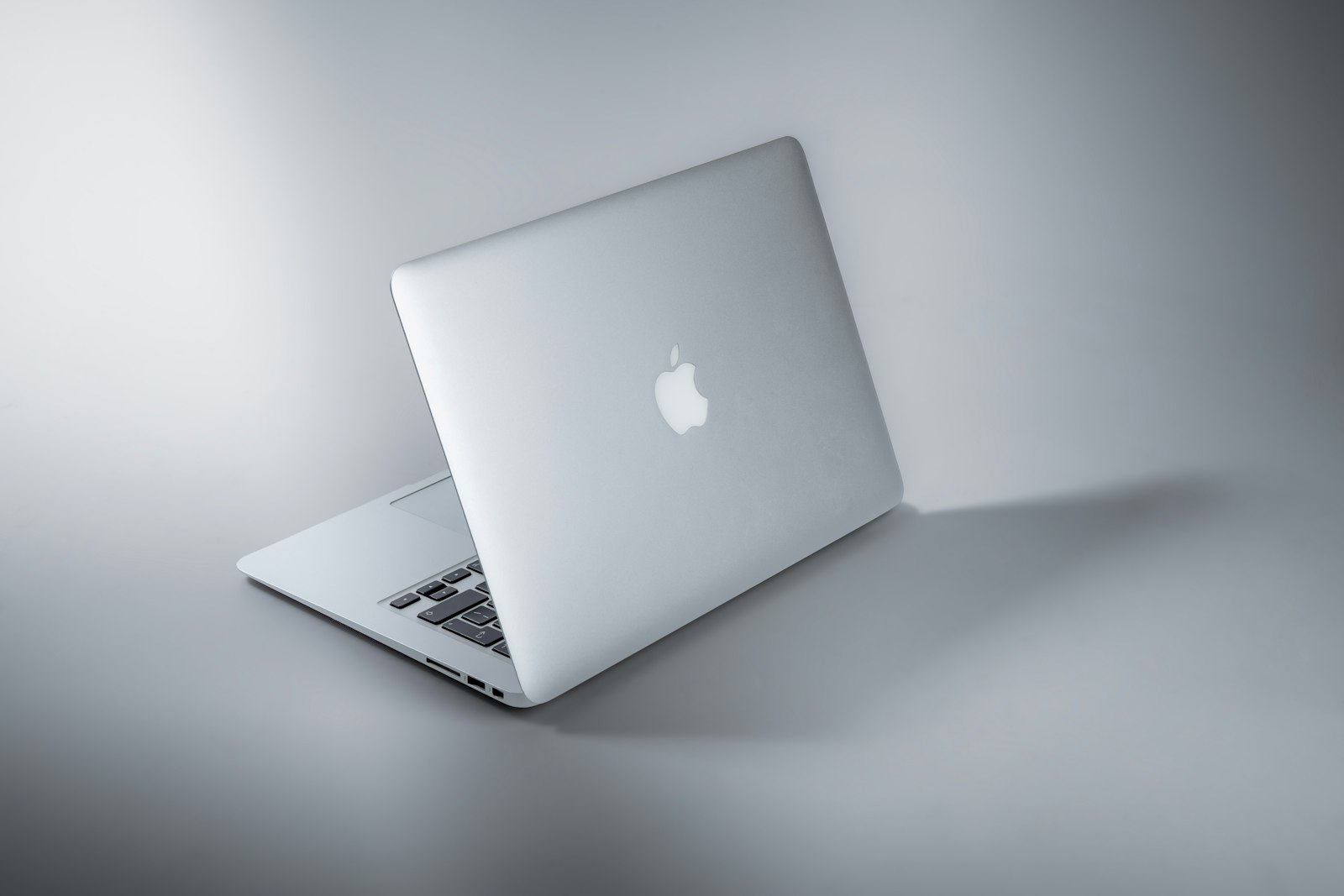
A certified refurbished MacBook can be one of the smartest purchases you make — or one of the most frustrating, depending on where you buy it and what questions you ask beforehand. Prices on refurbished MacBook Air and MacBook Pro models routinely run 20 to 40 percent below retail, but the word "refurbished" covers an enormous range of quality. A unit reconditioned by Apple's own technicians is a very different product from a MacBook that a third-party reseller wiped, repackaged, and slapped a "certified" sticker on.
This guide walks you through everything you need to know before you buy: what certification actually means, which specs matter most, where to shop in the Chicago area and online, and which red flags to walk away from.
What Does "Certified Refurbished" Actually Mean?
Certified refurbished means the device has been returned, inspected, repaired as needed, and tested to meet a defined quality standard before resale. The word "certified" is the important part, but it only carries weight when the certifying party is credible.
Here is how the main tiers break down:
Apple Certified Refurbished
Apple's own refurbished store (apple.com/shop/refurbished) replaces defective components, runs full diagnostics, installs fresh software, and ships units in new packaging with a new battery and outer shell when needed. Every Apple-certified unit comes with a one-year limited warranty and is eligible for AppleCare+ purchase. This is the gold standard.
Manufacturer-Authorized Reseller Certified
Retailers like Best Buy and B&H Photo have their own refurbishment programs, often using Apple-certified parts. Warranties typically run 90 days to one year. Quality is generally reliable, but inspect the fine print on what "tested" actually covers.
Third-Party Certified
This is where the term gets stretched. A local shop or online reseller may grade a MacBook as "Grade A Certified" using their own internal standards. That is not inherently bad, but you need to ask specifically: Who performed the inspection? What was replaced? What warranty do you provide, and who honors it?
| Source | Warranty | Battery Replacement | Parts Used | Return Window | |---|---|---|---|---| | Apple Refurbished Store | 1 year | Yes (if needed) | Genuine Apple | 14 days | | Best Buy Geek Squad Certified | 90 days–1 year | Not always | OEM or equivalent | 15 days | | B&H Photo / Adorama | 90 days | Rarely | Varies | 30 days | | Local Chicago Shop | Varies (30–90 days typical) | Sometimes | Varies | Varies | | eBay / Facebook Marketplace | Seller-dependent | No guarantee | Unknown | No guarantee |
Which MacBook Specs Actually Matter When Buying Refurbished
Not every spec on the listing page deserves equal attention. Focus on these.
Battery Health
This is the single most important factor in a used or refurbished MacBook. A MacBook battery is rated for roughly 1,000 charge cycles before Apple considers it consumed. Ask the seller for the cycle count and battery health percentage. Anything below 80 percent health means you may need a replacement within a year, which costs $129 to $199 at an Apple Store.
To check on any Mac: hold Option, click the Apple menu, choose System Information, then select Power.
Chip Generation
For MacBooks made since late 2020, the difference between an M1, M2, and M3 chip is meaningful. An M1 MacBook Air from 2020 still outperforms many Intel models from 2019 and earlier in everyday tasks and battery life. Avoid Intel Core i5 or i7 MacBooks from 2017 or earlier unless your budget is very tight and your use case is simple.
RAM and Storage
Apple silicon MacBooks use unified memory, so 8 GB on an M2 chip performs differently than 8 GB on an older Intel machine. For general use, 8 GB is workable. For video editing, running virtual machines, or heavy multitasking, 16 GB is the practical minimum. Storage is soldered on all Apple silicon models, so you cannot upgrade it later. Buy the storage you need now.
Screen and Port Condition
Check the display for dead pixels, uneven backlighting (sometimes called "stage lighting" on older Retina models), and yellowing at the bottom edge. On older MacBooks, the keyboard coating may show wear. Neither is a dealbreaker, but both are negotiating points.
Where to Buy a Refurbished MacBook in Chicago
Chicago residents have more options than most cities, combining local shops with easy access to major online retailers.
Apple Retail Stores
Apple operates several Chicago-area locations, including the flagship Michigan Avenue store and locations in Old Orchard (Skokie), Oakbrook Center, and Woodfield Mall (Schaumburg). Walk-in customers cannot browse refurbished inventory in-store, but staff can point you to the online refurbished store and answer questions about AppleCare+ coverage on certified units.
Best Buy (Multiple Chicago Locations)
Best Buy carries Geek Squad Certified Refurbished MacBooks at stores throughout the city and suburbs, including locations in Lincoln Park, South Loop, Niles, and Orland Park. The advantage is hands-on inspection before purchase and straightforward in-store returns.
Local Independent Electronics Shops
The Chicago area has a number of independent repair-and-resell shops, particularly in neighborhoods like Wicker Park, Logan Square, and along the North Side corridor. These shops often offer competitive prices and flexible warranties. Ask directly: Is this MacBook tested? What was replaced? Do you provide a written warranty? A shop that answers these questions without hesitation is generally trustworthy.
Online Options
For online purchases, the most reliable sources beyond Apple's own store are:
- B&H Photo (ships free to Illinois, solid return policy)
- Adorama (similar to B&H, good for older Mac Pro configurations)
- Back Market (marketplace model; check individual seller ratings carefully)
- Swappa (peer-to-peer but with transaction oversight and seller verification)
For more context on evaluating online electronics purchases, see our guide to spotting refurbished device red flags and our broader laptop buying guide for Chicago shoppers.
Red Flags to Walk Away From
Whether you are shopping in Pilsen or browsing listings from your apartment in Andersonville, these warning signs apply universally.
- No serial number provided. Every MacBook has a serial number. Enter it at checkcoverage.apple.com to confirm warranty status and that the device is not reported lost or stolen.
- "As-is" with no return window. Any seller confident in their product will offer at least a 14-to-30-day return policy.
- Battery cycle count hidden or unavailable. If the seller cannot or will not share it, assume the battery is near end of life.
- Price that is too far below market. A MacBook Air M2 retails for around $1,099 new. If a refurbished listing shows $450 with no explanation, something is wrong.
- Activation Lock not cleared. Ask the seller to demonstrate that the MacBook boots to the setup screen or a fresh macOS desktop with no iCloud account tied to it. An Activation Lock you cannot remove makes the machine useless.
- Vague certification language. Phrases like "professionally inspected" or "fully tested" mean nothing without specifics. Ask what was tested and what the pass criteria were.
If you eventually decide to sell your current laptop to fund the upgrade, our guide to selling your MacBook for cash in Chicago covers how to get fair market value.

What to Do After You Buy
Once you have your refurbished MacBook in hand, run through this checklist before the return window closes.
- Verify the serial number on Apple's coverage page
- Check battery cycle count and health percentage
- Run Apple Diagnostics (hold D at startup) to catch hardware faults
- Update macOS to the latest supported version
- Test every port with a USB-C cable and an external display if possible
- Confirm the webcam, microphone, and speakers work
- Check for dead pixels by opening a white browser window full-screen and a black one
If you find a problem, contact the seller immediately and document everything in writing. Most reputable sellers will exchange or refund within their stated window without argument.
For readers interested in repair options if something does go wrong, our MacBook repair guide for Chicago residents breaks down common issues and what they cost to fix at both Apple Stores and independent shops.
The Bottom Line
Buying a certified refurbished MacBook is a legitimate, often excellent way to get Apple hardware at a meaningful discount. The key is knowing what "certified" means in context, verifying the battery health and serial number, and buying from a source with a clear warranty and return policy. Chicago shoppers have strong local and online options. Do the homework before you hand over your money, and a refurbished MacBook can easily serve you for five or more years.
Frequently asked questions
Is Apple's refurbished store the safest place to buy a certified refurbished MacBook?
Yes, for most buyers. Apple's certified refurbished store offers the highest quality guarantee, genuine replacement parts, a one-year warranty, and eligibility for AppleCare+. The trade-off is limited inventory and prices that are only moderately below retail compared to third-party sellers.
How do I check the battery health on a MacBook before buying?
Hold the Option key, click the Apple menu, and select System Information, then choose Power in the left sidebar. Look for Cycle Count and Maximum Capacity. A healthy battery shows 80 percent capacity or higher. Ask the seller to show you this screen, or request a screenshot, before finalizing the purchase.
What is a good price for a certified refurbished MacBook Air M2 in 2024?
A refurbished MacBook Air M2 (8 GB RAM, 256 GB SSD) in good condition typically sells for $750 to $900, compared to $1,099 new. Prices vary by seller and configuration. Be cautious of listings significantly below $700, as they may indicate battery or cosmetic issues not disclosed upfront.
Can I buy AppleCare+ for a refurbished MacBook I bought from a third-party seller?
Only if the MacBook is still within its original warranty period or within 60 days of purchase (Apple sometimes allows a purchase window). AppleCare+ is automatically available on MacBooks bought directly from Apple's certified refurbished store. For third-party purchases, check the device's coverage status at checkcoverage.apple.com first.
What does Activation Lock mean and why does it matter when buying refurbished?
Activation Lock ties a MacBook to the previous owner's Apple ID via iCloud. If it is not cleared before you buy, you cannot use the Mac without that person's credentials. Always confirm the device boots to a clean setup screen with no Apple ID attached before completing any purchase.
Are refurbished MacBooks sold by local Chicago shops reliable?
They can be, but quality varies more than with Apple's own store. Ask for a written warranty of at least 30 to 90 days, confirm what components were replaced, and request the battery cycle count. A shop that answers these questions directly and provides documentation is generally trustworthy.
Keep reading